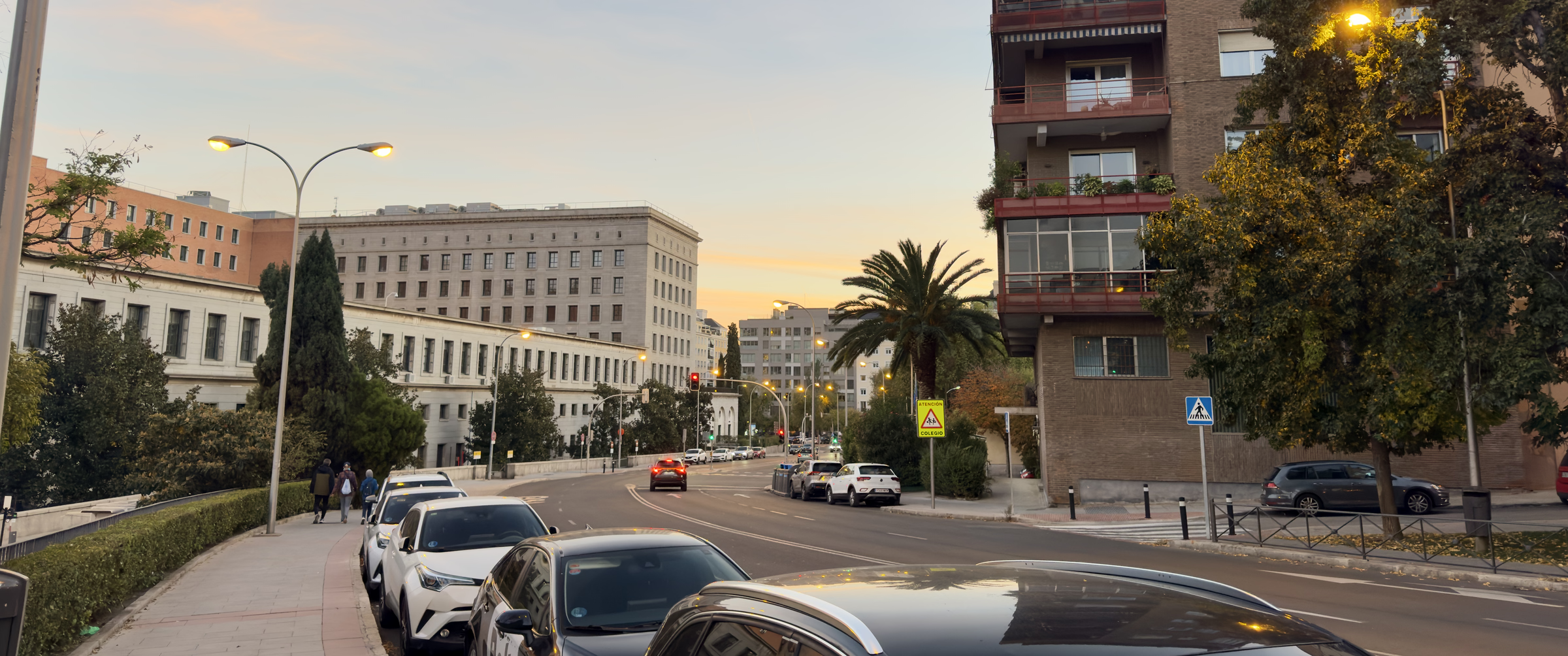
Until I started this photo blog, I had never heard the word AVIF. I didn’t know that 2.39:1 described the shape of a cinema screen, either. Both came up as I looked for ways to show my photos beautifully while keeping the site light.
I shoot my photos in RAW on an iPhone. RAW records the light the sensor received almost exactly as it arrived, which apparently makes it easier to adjust color and brightness afterwards.
I adjusted the RAW photo in an app, then cropped it into a wide frame and exported it. I wanted a 2.39:1 crop so it would look like a frame from a film, but my computer’s built-in photo app couldn’t handle decimals, so I cropped it at 239:100.
For the export, I chose TIFF, ticked “16 Bit”, and picked Display P3 as the color profile.
TIFF, it seems, is a format that saves an image without losing any quality. Of all the formats the Photos app can export, TIFF was the only one that is both lossless and 16-bit. The catch is that a single file can run to tens of megabytes.
For a long time, JPEG was the format for showing photos on the web. Now, though, AVIF seems to be catching on. AVIF is a newer image format that appeared in 2019, built on a video compression technology called AV1.
AVIF has a few strengths that JPEG doesn’t. First, for the same look, the files are much smaller. Second, it can record color gradations in finer steps. JPEG represents each color in 256 levels (8-bit); AVIF can use 1,024 (10-bit). With 10 bits, a photo can be compressed small while keeping the beauty of a sky’s gradient.
I had Claude Code write the script that converts TIFF to AVIF. A 72 MB TIFF, for example, becomes about 360 KB.
If I hadn’t started this blog, I don’t think I would ever have learned about AVIF, or about 2.39:1.